IPTV Service Provider: What It Does and How to Choose
Learn what a good provider gives you, from stable servers to setup help, and how to judge one in a single evening with a free 2-hour test.
By ProvidersBestIPTV6 min read
Contents
What is an IPTV service provider?
An IPTV service provider is the company that delivers live TV channels, films and series to your devices over the internet instead of through a cable box or a satellite dish. You get a login, add it to an app on your Smart TV, Fire TV Stick, phone or computer, and watch.
Behind that login, the provider runs the servers that carry each channel, builds the channel list and the TV guide, and keeps the streams stable when thousands of people watch the same game. It also handles activation, renewals and support when an app or a channel gives trouble.
That is why two providers with the same channel list can feel completely different. One stays smooth on a Sunday afternoon; the other freezes at kickoff. One answers on WhatsApp at night; the other never replies.
In this guide you learn what a good IPTV service provider should offer, how its cost compares with cable, which questions to ask and which warning signs to avoid. The simplest proof is still a test: watch the real service at peak time before you pay. A provider that is confident in its servers lets you do exactly that, with the full channel list and the same quality as a paid plan.
What a good IPTV service provider should offer
Stable servers come first. Ask whether the provider uses load-balanced servers and anti-freeze technology, then check it yourself during a busy evening. Our servers are load-balanced, so traffic spreads across several machines when everyone watches the same game.
Next comes the channel list. For US homes that means ABC, CBS, NBC and FOX locals, ESPN and the big sports networks, news, kids and Latino channels. We carry 35,000+ live channels and 110,000+ films and series, with a TV guide (EPG) and catch-up on many channels.
Picture quality matters on a big TV. Look for 4K and FHD on sport and films, with HD as a stable fallback on slower internet.
Then check the apps. A good provider supports Xtream logins and M3U links, so you can use IBO Player Pro, HotPlayer or VLC on almost any device.
Finally, look at the human side: instant activation, 24/7 support in plain English, simple payment by card or PayPal and a clear refund rule. Ours is a 7-day money-back guarantee, and you can test everything free for 2 hours before you order. A provider that hides any of these points before payment will rarely become clearer after it, so ask every question first.
Sports a US provider should carry
Sport is where weak providers fail first. Use this list during your test and check each league at the time it is actually played.
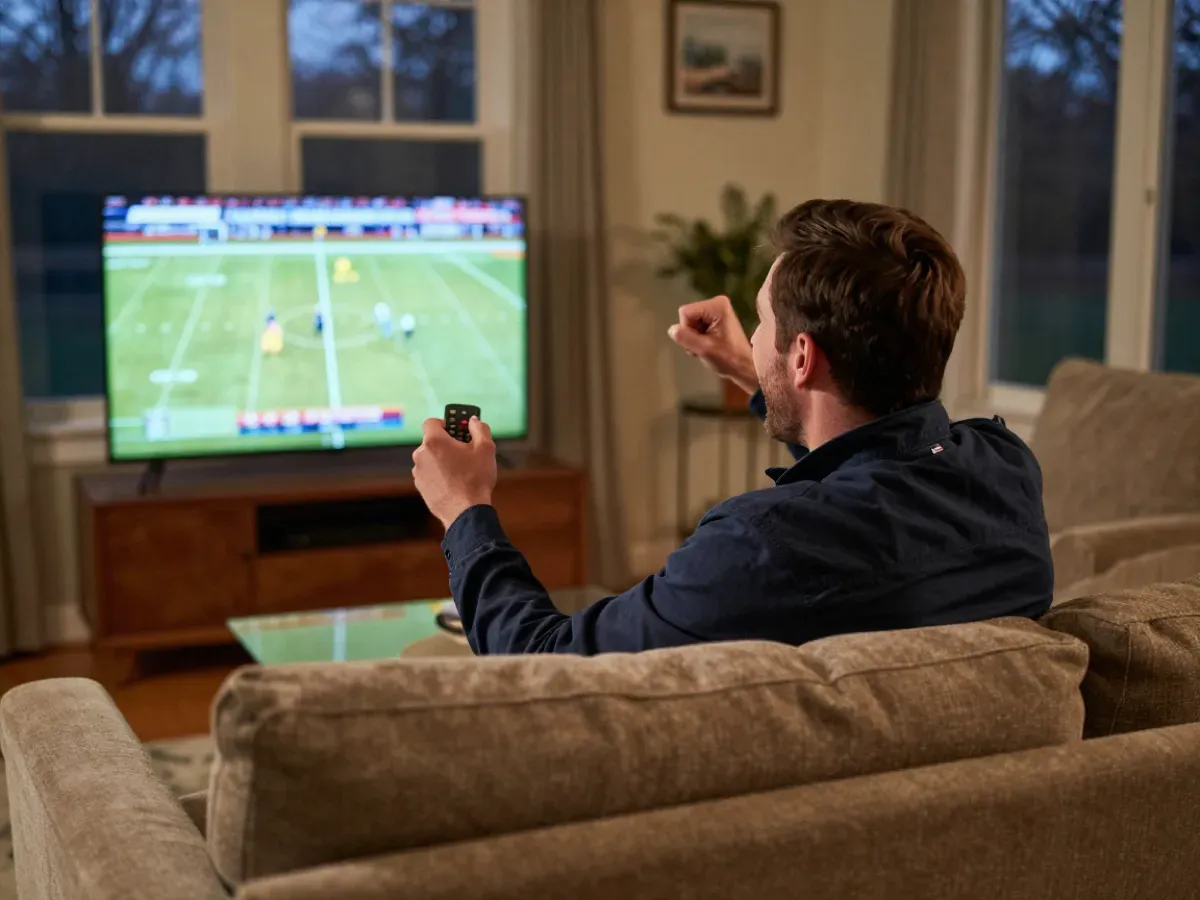 NFLWatch a live game at 1 pm Eastern on Sunday, when most games start together. A good IPTV service provider stays smooth at kickoff, with your local CBS or FOX channel in the list.
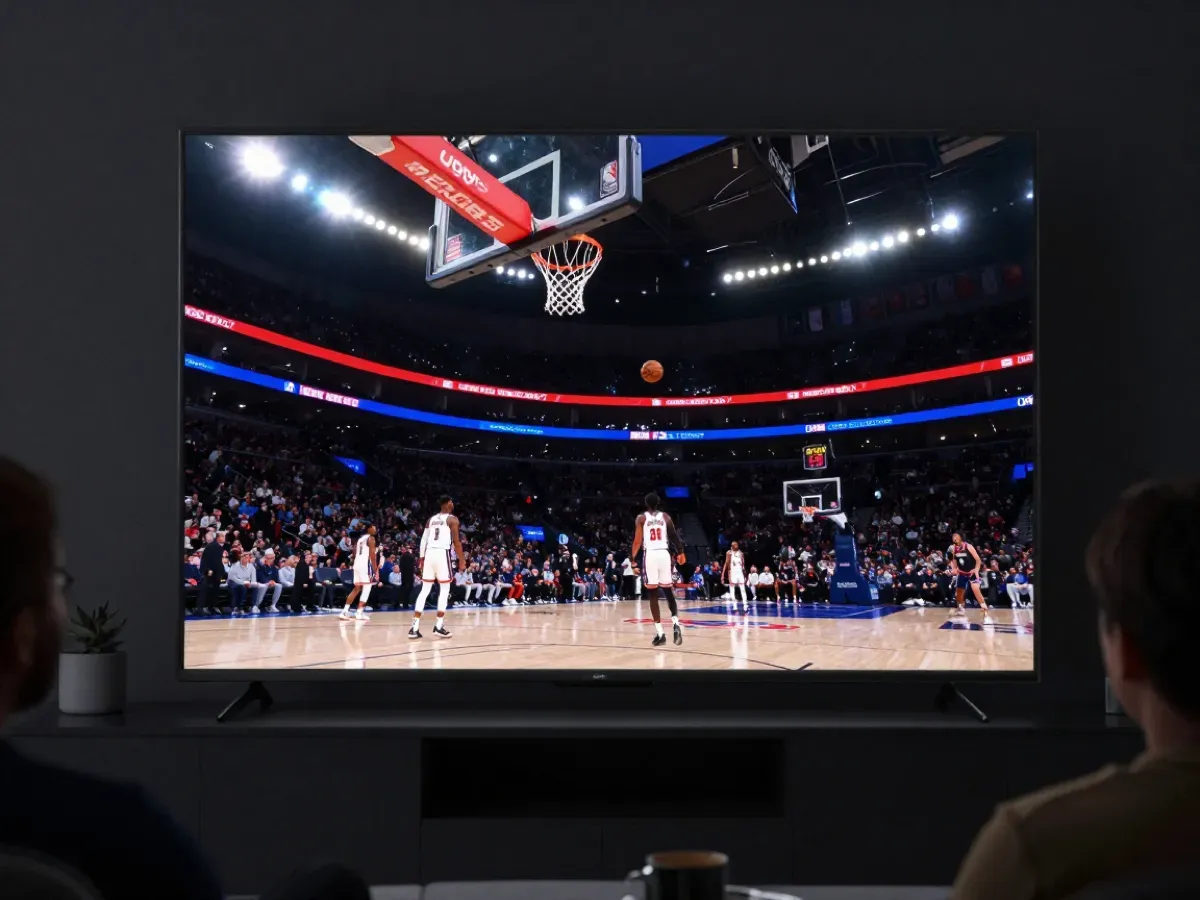 NBACheck ESPN, ABC and the regional sports channel of your team on a weeknight. Changing from one game to another should take seconds, not a long reload or a frozen screen.
 MLBBaseball runs almost every day from spring to fall. Look for your team's regional sports network in the list and in the TV guide, so you can find tonight's game fast.
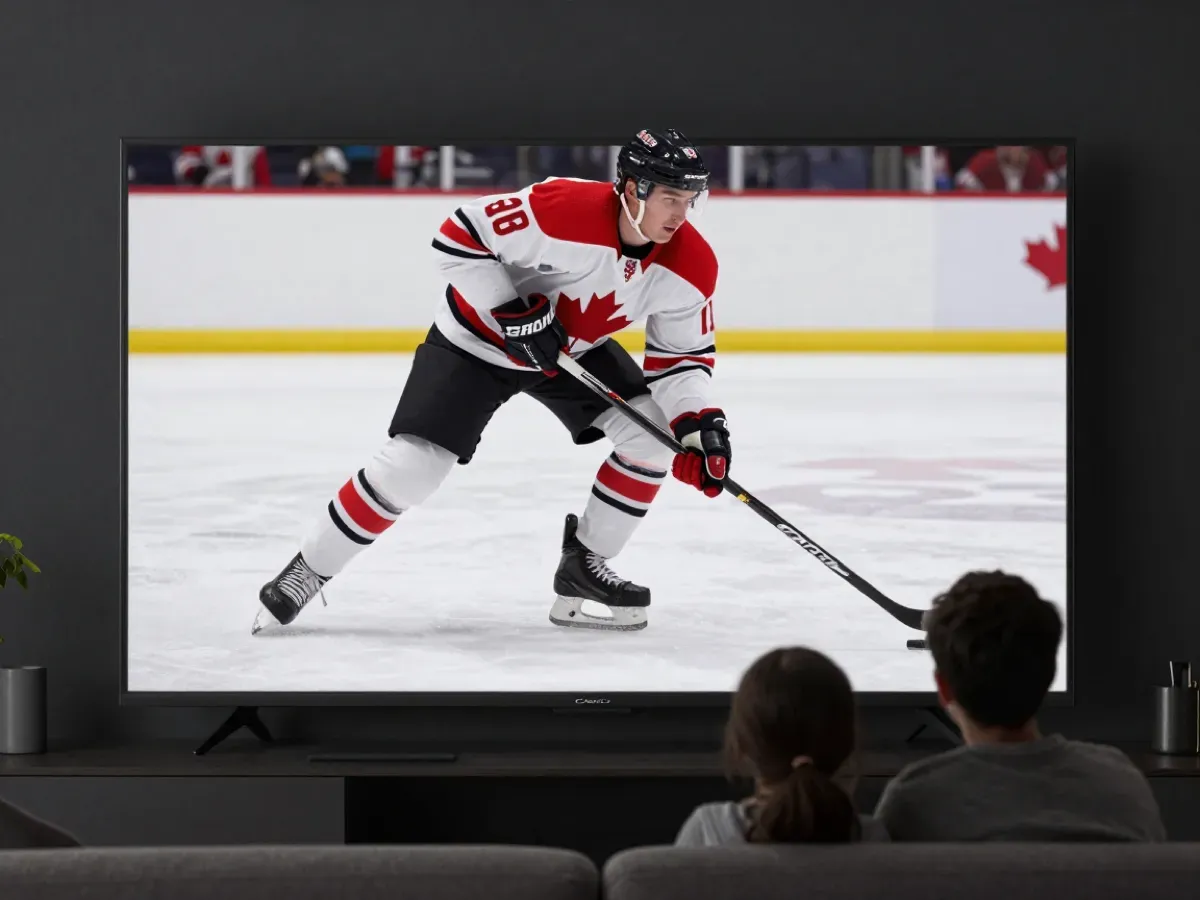 NHLFast hockey shows a weak stream at once. Test a game in FHD or 4K on your biggest TV and watch the puck: motion should stay sharp, with no stutter during quick plays.
 College footballFall Saturdays bring many games at once on ESPN, FOX, CBS and the conference channels. Check that several games play one after another without freezing when you switch.
 UFCFight nights put heavy load on servers late in the evening. Test the main sports channels around that time to see whether the stream holds steady for the full event.
IPTV service provider questions
How do I know if an IPTV service provider is reliable?
Test it at peak time. Watch a live game in the evening, open the TV guide and change channels quickly on your main TV. Then send a question on WhatsApp and see how fast a real person answers. A reliable provider offers a real test, clear prices and a refund rule. Ours is a free 2-hour test and a 7-day money-back guarantee.
Is an IPTV service provider cheaper than cable?
Usually, yes. In November 2026, cable packages in the US often start around $60 a month before box and broadcast fees, and YouTube TV costs $82.99 a month for its base plan. Our IPTV plans start at $15 for one month on one screen, or $89 for 12 months, which is about $7.42 a month. Our 3-screen year costs $187, so a whole family saves even more.
What devices work with an IPTV service provider?
Almost any device with internet works: Samsung and LG Smart TVs, Fire TV Stick, Android TV boxes, Nvidia Shield, iPhone, iPad, Android phones, Windows PCs and Macs. You install a player app such as IBO Player Pro or HotPlayer and add your login. Our setup guides walk you through each device step by step. Once the app is set up, it opens straight on your channels.
How fast does an IPTV service provider activate my account?
It depends on the provider. Some activate by hand and make you wait for hours. Our activation is instant and automatic: your login arrives on WhatsApp or Telegram right after payment, so you can watch the same evening. If you need help adding it to your app, our team answers 24/7. You never wait until the next day to watch.
Do I need fast internet for an IPTV service provider?
You need a stable connection more than a very fast one. About 10 Mbps is enough for HD on one screen, and around 25 Mbps works well for 4K. If several screens play at the same time, add the speeds together. Use a cable or 5 GHz Wi-Fi on your main TV for the steadiest picture on game day.
Can I use one IPTV service provider on several TVs?
Yes, if your plan includes enough screens. Each device that plays at the same time uses one screen. With us you choose 1, 2 or 3 screens, from $24 a month for two screens, or ask for a custom plan with more. You can install the app on more devices and use them at different times without extra cost.