How to Install IPTV on PC and Mac
Watch US channels, sport and films on your computer or laptop, at home or at work. Set up in minutes and test free for 2 hours.
- Free test: 2 hours
- 1 screen / 2 screens / 3 screens
- Card, PayPal
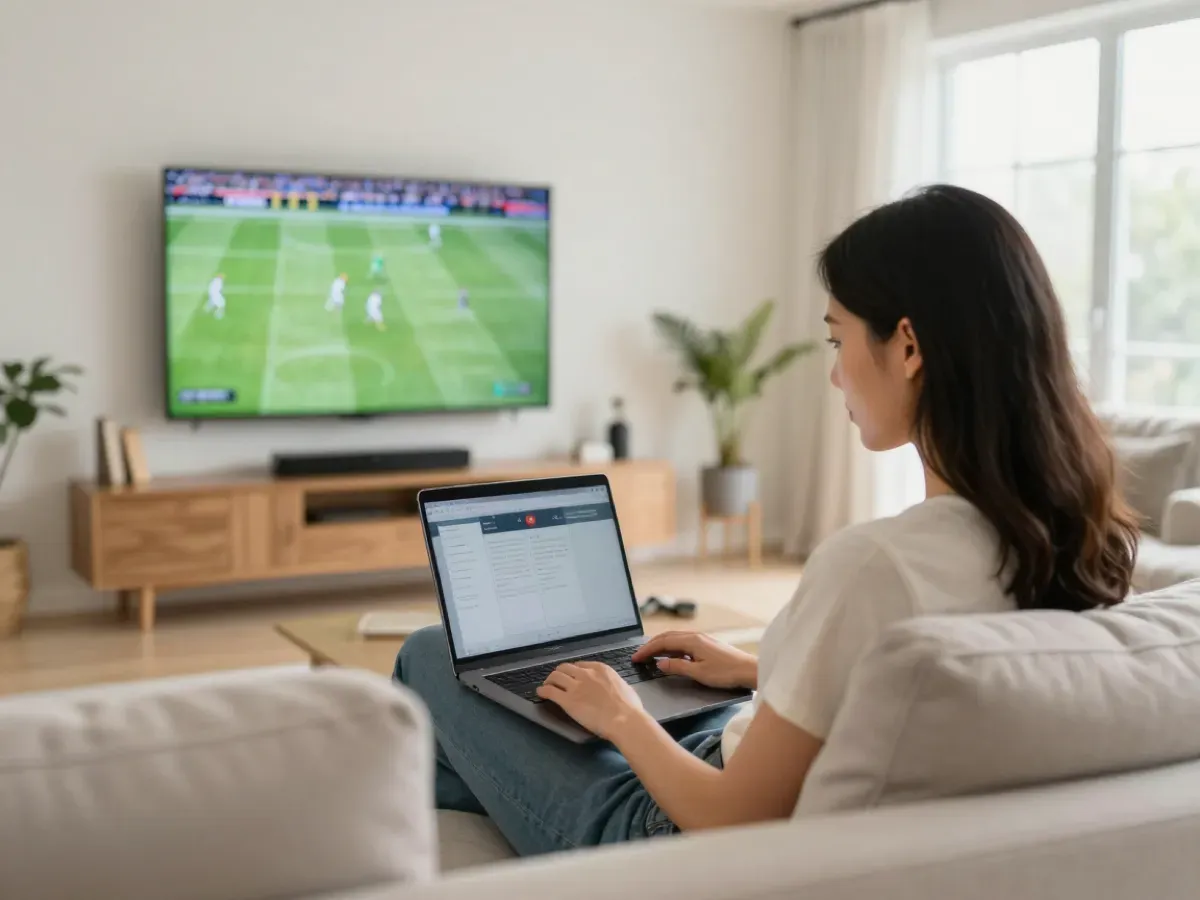
How to set up IPTV on a computer
A computer is a handy screen for IPTV: follow the game on a second monitor, watch the news while you work or take your laptop to a hotel. Setup takes about 5 to 10 minutes.
The quickest way is VLC media player, free on Windows and Mac, which plays your M3U link directly. For a full TV guide and favorites, use a desktop IPTV player: MyIPTV Player on Windows or IPTV Smarters Pro on Windows and Mac, both with your Xtream login.
Have ready: your PC or Mac with an updated system, internet of about 10 Mbps for HD or 25 Mbps for 4K, and the login or M3U link we send on WhatsApp or Telegram, for your plan or the free 2-hour test.
The order: install VLC or the desktop player, add your M3U link or Xtream login, then set the best settings. A wired connection gives the most stable picture on desktop computers, especially for 4K. If a step looks different on your screen, send us a screenshot on WhatsApp and a real person guides you until the channels play.
Good to know: a computer is a great place to follow several things at once. Keep the player in a small window and watch the game while you work, or connect the laptop to a TV with an HDMI cable for a bigger picture. Your M3U link or Xtream login is the same one you use on your other devices, and each device that plays at the same time counts as one screen.
What you need for PC and Mac
- Windows 10 or 11 PC, or a Mac with a recent macOS
- Internet of about 10 Mbps for HD, 25 Mbps for 4K
- VLC media player or a desktop IPTV player
- Your M3U link or Xtream login from us
- About 5 to 10 minutes
Step-by-step install on PC and Mac
- 01
Install VLC
Download VLC media player from videolan.org, the official site, and install it on your PC or Mac.
- 02
Open Network Stream
In VLC, choose Media, Open Network Stream on Windows, or File, Open Network on Mac.
- 03
Paste your M3U link
Paste the M3U link we sent into the URL field and click Play or Open.
- 04
Open the playlist
Press Ctrl+L on Windows or Cmd+L on Mac to see the channel list, then double-click a channel.
- 05
Save your favorites
Save the playlist on your computer so the channels open with one click next time.
Best app on PC and Mac
VLC media player
Free on Windows and Mac. Plays your M3U link fast, ideal for quick viewing without a TV guide.
MyIPTV Player (Windows)
A desktop player from the Microsoft Store with a TV guide and favorites. Add your M3U link or Xtream login.
IPTV Smarters Pro (Windows, Mac)
A full player with live TV, films, series and guide. Choose Login with Xtream Codes and enter your details.
Troubleshooting on PC and Mac
VLC says it cannot open the link
Copy the full M3U link again, with no space at the start or end. Check that your plan or test is active. If it still fails, send us a screenshot on WhatsApp.
The stream pauses on my laptop
Use a cable or sit closer to the router, close downloads and video calls, and raise VLC network caching to 1500 to 3000 ms.
There is no TV guide in VLC
VLC does not show a full guide. For the EPG, use MyIPTV Player or IPTV Smarters Pro with your Xtream login.
Picture but no sound on the computer
Check the volume mixer and output device, then choose another audio track in the player's Audio menu. Also check that sound is not muted for that app in the computer's system settings.
The channel list is very long to scroll
Use the search box in the player, or save favorites, so your main channels are one click away. In VLC, the search box at the top of the playlist finds any channel by name.
Questions about IPTV on PC and Mac
01Can I watch IPTV on a Mac?
Yes. VLC works on Mac with your M3U link, and IPTV Smarters Pro works with your Xtream login and gives a TV guide.
02Is VLC enough to watch IPTV?
For quick viewing, yes. VLC plays all channels from your M3U link. For a TV guide and favorites, a desktop player is easier. VLC is free and works the same way on Windows and Mac.
03Does my computer count as a screen?
Yes. Every device playing at the same time uses one screen of your plan: 1, 2 or 3 screens, or a custom number.
04Can I watch IPTV on a work laptop?
If your work network allows streaming, yes. Some company networks block video; then use your home or phone connection. Ask your IT team first if you are not sure what the company allows.
05Can I connect my laptop to the TV?
Yes, with an HDMI cable. For daily TV viewing, an app on a Smart TV or Fire TV Stick is usually more comfortable.
Test it free on your computer
We offer a free 2-hour test before you order. Ask for your test login, or go back to all setup guides.
- Free test: 2 hours
- Card
- PayPal