How to Install IPTV on Samsung and LG Smart TV
Set up your Samsung or LG TV with IBO Player Pro or HotPlayer, no extra box needed. Test it free for 2 hours.
- Free test: 2 hours
- 1 screen / 2 screens / 3 screens
- Card, PayPal
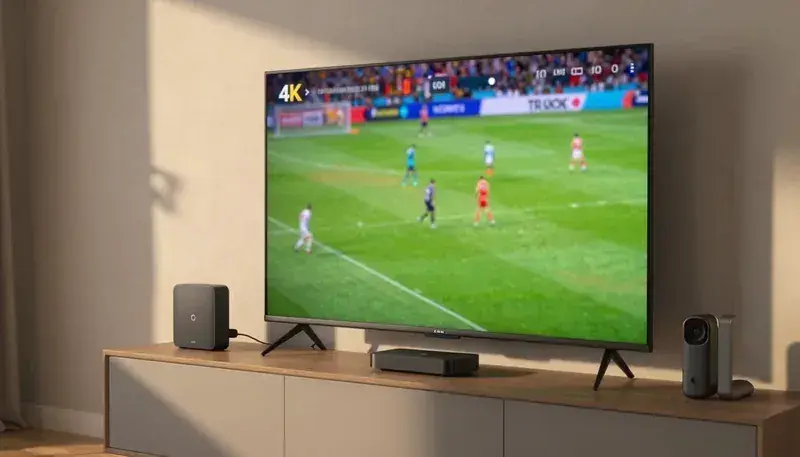
How to set up IPTV on a Samsung or LG TV
Most Samsung and LG Smart TVs from 2016 or newer can play IPTV directly, with no extra box. You install one app from the TV's own store and connect it to your login. It takes about 10 minutes.
We recommend IBO Player Pro first and HotPlayer second. Both are available on many Samsung (Tizen) and LG (webOS) models and give a clear channel list, a full TV guide and stable playback. On older models, Smart IPTV or Net IPTV can serve as backup apps.
Have ready: the TV connected to the internet (a cable is best), about 10 Mbps for HD or 25 Mbps for 4K, and your WhatsApp to send us the details from the app, whether for a paid plan or the free 2-hour test.
The order: install the app, note the MAC address and device key on its first screen, send them to us, restart the app and set the best settings. If your screen does not match a step, send us a photo on WhatsApp and a real person guides you until the channels play.
What you need for Samsung and LG
- Samsung (Tizen) or LG (webOS) Smart TV from 2016 or newer
- Internet of about 10 Mbps for HD, 25 Mbps for 4K
- Access to the Samsung Apps or LG Content Store
- Your login from us, or space to note the MAC and key
- About 10 minutes
Step-by-step install on Samsung and LG
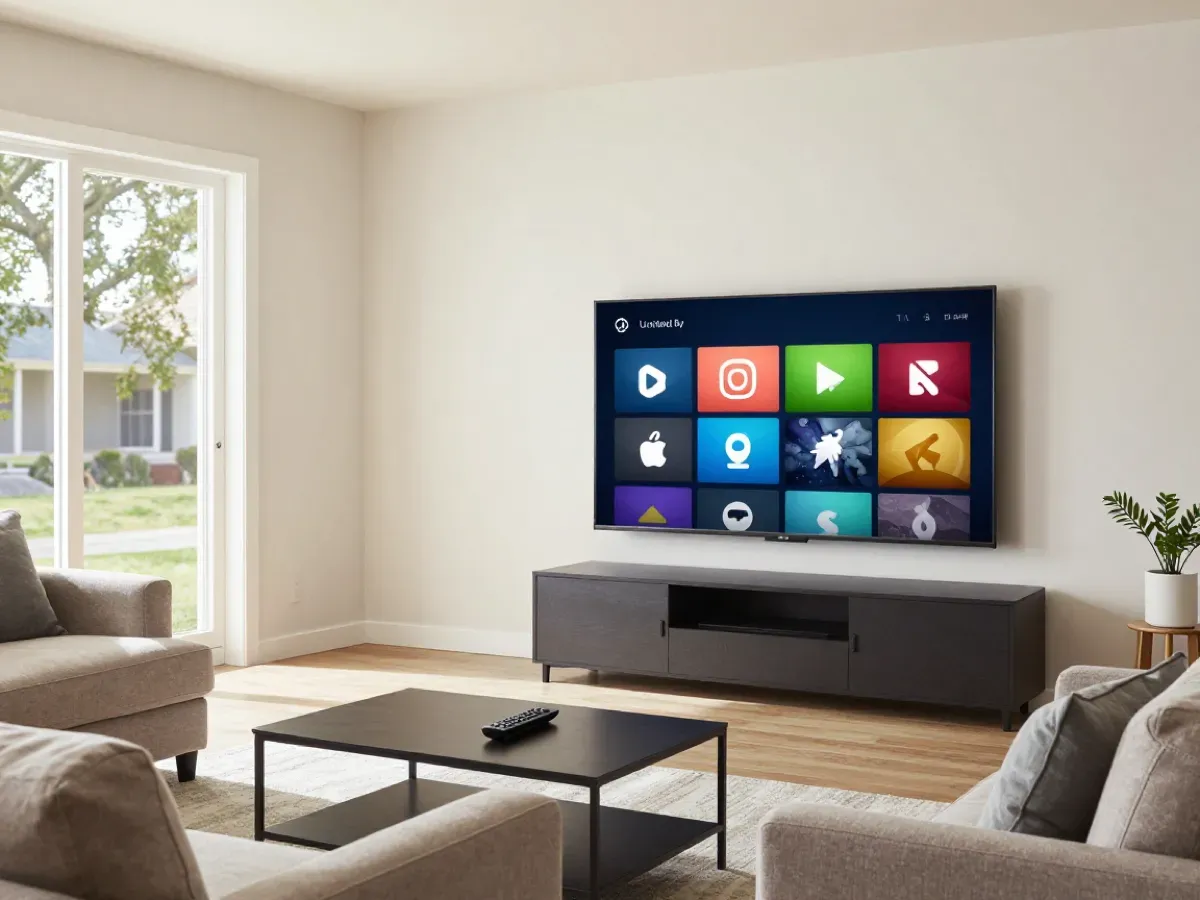
- 01
Open the TV app store
On Samsung open Apps, on LG open the LG Content Store from the home screen.
- 02
Search the app
Search IBO Player Pro or HotPlayer and install it. Some models list it as IBO Player.
- 03
Open the app
Open the app from the home screen. The first screen shows the MAC address and device key.
- 04
Send us the details
Send the MAC and key on WhatsApp, or add your M3U link in the app as we explain.
Best app on Samsung and LG: IBO Player Pro
Install IBO Player Pro
Install IBO Player Pro or HotPlayer from the Samsung or LG store. They are our recommended apps on Smart TV.
Note the MAC and device key
Write down the MAC address and device key shown on the app's first screen and send them to us.
Restart and watch
We add your login. Restart the app, wait for channels and the guide to load, and start watching.
Backup apps
If neither app is in your store, Smart IPTV or Net IPTV can load your M3U link. Ask us which fits your model.
Best settings on Samsung and LG
These settings give the most stable picture and a complete TV guide. Change them once after install; the app keeps them.
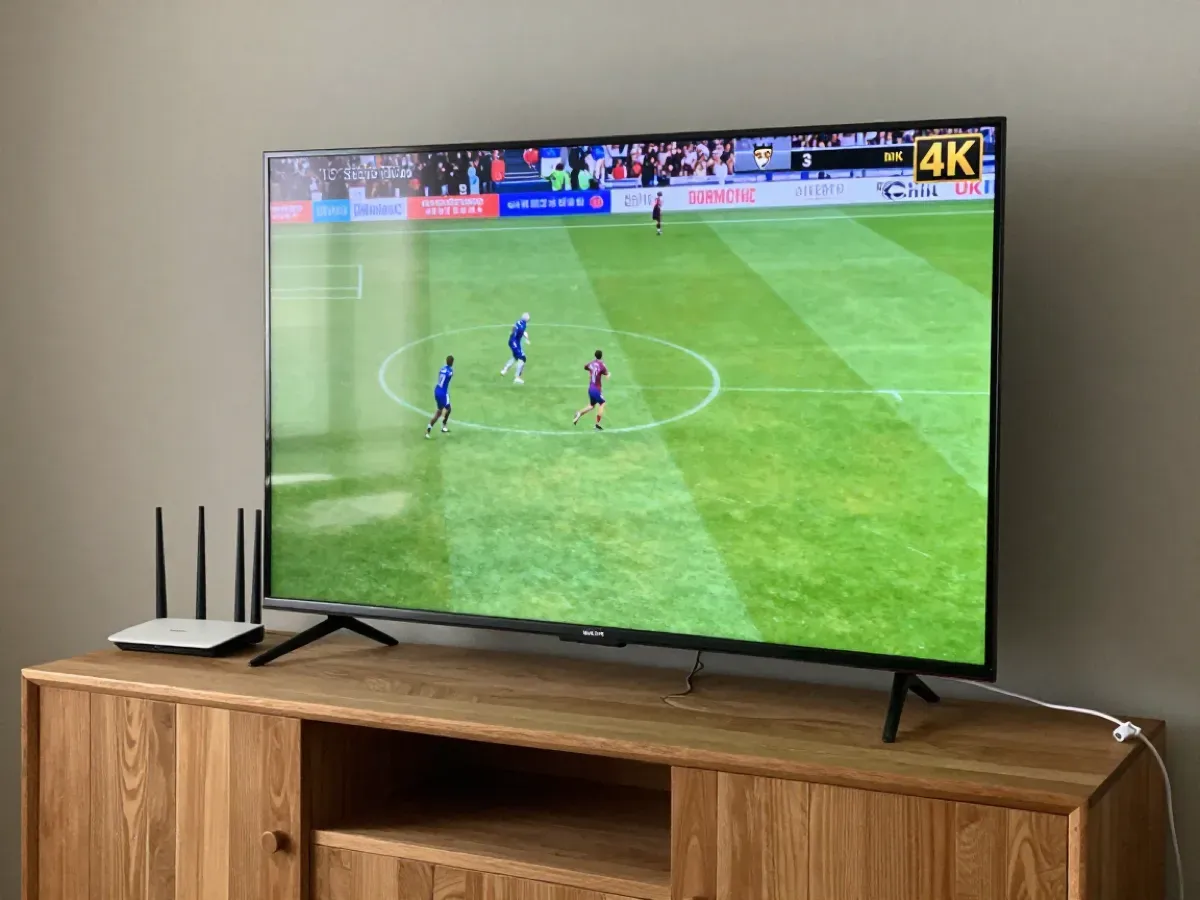
Menu names can differ slightly between app versions; ask us on WhatsApp if you cannot find one.
Troubleshooting on Samsung and LG
IBO Player Pro is not in my TV store
Search for IBO Player or HotPlayer, as names differ by model and country. On older TVs, Smart IPTV or Net IPTV can load your M3U link. Send us your TV model and we tell you which app works. Older TVs can also use a Fire TV Stick.
IPTV buffers on my Smart TV
Smart TVs often have weak Wi-Fi. Connect the TV to the router with a cable, restart the router and the TV, and set stream quality to Auto in the app. If your router is far from the TV, a powerline adapter or a mesh Wi-Fi point can also help a lot.
The app asks for activation
Some players, including IBO Player Pro, ask for a one-time app activation from the app maker after their own trial. This is separate from your plan with us; we explain it on WhatsApp. You can also use HotPlayer, our second recommended app.
The TV guide is empty on my Smart TV
Reload the EPG in the app settings and wait a minute. Check that the TV's time zone and clock are set correctly. Restart the app after changing the time, and the guide reloads with the right start times for each program.
Picture but no sound on the TV
Change the audio track in the player, or set the TV sound output to PCM if you use a soundbar or receiver. If only one channel has no sound, tell us its name on WhatsApp and we check that stream for you.
Questions about IPTV on Samsung and LG
01Does IPTV work on Samsung and LG Smart TVs?
Yes. Samsung TVs with Tizen and LG TVs with webOS run IBO Player Pro and HotPlayer, our recommended apps, as well as backup apps like Smart IPTV and Net IPTV. Install the app from your TV's own store, send us the MAC and device key, and you can watch in about 10 minutes.
02Do I need a box for my Smart TV?
No, not for most Samsung and LG TVs from 2016 or newer. You install the app directly on the TV. Older TVs may need a Fire TV Stick or Android box. Not sure about your model? Send us its name on WhatsApp and we tell you which option works best.
03What is the MAC address in the app?
It is the identification code the app shows on its first screen. Send it to us with the device key and we connect your login to your TV. It is not personal data; it only lets us link your account to that TV, and you can move it to a new TV for free.
04Can I watch in 4K on my Smart TV?
Yes, on 4K TVs, when the channel broadcasts in 4K and your internet gives about 25 Mbps. A wired connection helps keep 4K stable. Set the TV's picture mode to Movie or Standard for natural colors during sport and films.
05Do you help me set up my Smart TV?
Yes. Send us your TV model and a photo of the app screen on WhatsApp, and we guide you step by step, 24/7. We can also assist remotely when needed, so your TV is ready to watch the same evening.
Test it free on your device
We offer a free 2-hour test before you order. Ask for your test login, or go back to all setup guides.
- Free test: 2 hours
- Card
- PayPal