IPTV App Setup for Every Device in Minutes
Pick your device and the right app, follow a short guide and watch in 5 to 10 minutes. Stuck? We help on WhatsApp.
- IBO Player Pro (recommended)Recommended
- HotPlayer (recommended)Recommended
Best IPTV app for Smart TV and Android TV
Two apps give the best mix of a clear TV guide, fast channel change and stable playback with our service. Start with one of these.
- Recommended
IBO Player Pro (recommended)
Our first choice on Samsung, LG, Android TV and Fire TV. It shows a clean channel list, a full TV guide and catch-up. Install it, note the MAC and device key, and we add your login.
- Recommended
HotPlayer (recommended)
A strong second choice on Smart TV and Android devices, with a simple menu and good EPG support. Use it if IBO Player Pro is not available on your TV model.
Backup apps when needed
If neither app is available on your device, Smart IPTV, IPTV Smarters Pro, TiviMate or Net IPTV also work with your login. Our device guides explain which one to use where.
Choose your device
Open the guide for the device you watch on. Each guide has numbered steps, the best settings and fixes for common problems.
- Samsung and LG Smart TVIBO Player Pro or HotPlayer from the TV app store, then add your login.
- Android TV and Android boxInstall from the Play Store or with Downloader in a few minutes.
- Amazon Fire TV StickEnable apps from unknown sources, install with Downloader, add your login.
- iPhone and iPadA player app from the App Store, for home or on the go.
- PC and MacWatch in a desktop player or with your M3U link.
- All devices and appsThe setup hub with every guide and app in one place.
IPTV apps that work with your login
IBO Player Pro and HotPlayer first. Whichever app IPTV viewers prefer, these all work with your Xtream or M3U login on many devices.
 IBO Player ProRecommended for Smart TV, Android TV and Fire TV.Recommended
 HotPlayerRecommended alternative on Smart TV and Android devices.Recommended
 Smart IPTVOlder Smart TV app that uses an M3U link.
 IPTV Smarters ProPopular app on Android, Fire TV and phones.
 TiviMateAndroid TV and Fire TV app with a cable-style guide.
- Net IPTVSmart TV app that loads your M3U link.
What you need before you start
- Your login from us: Xtream details or an M3U link
- Internet of about 10 Mbps for HD, 25 Mbps for 4K
- Your device on the same network, wired if possible
- The app installed, IBO Player Pro or HotPlayer first
- The device's MAC address or key if the app asks for it
- 5 to 10 minutes and the guide for your device
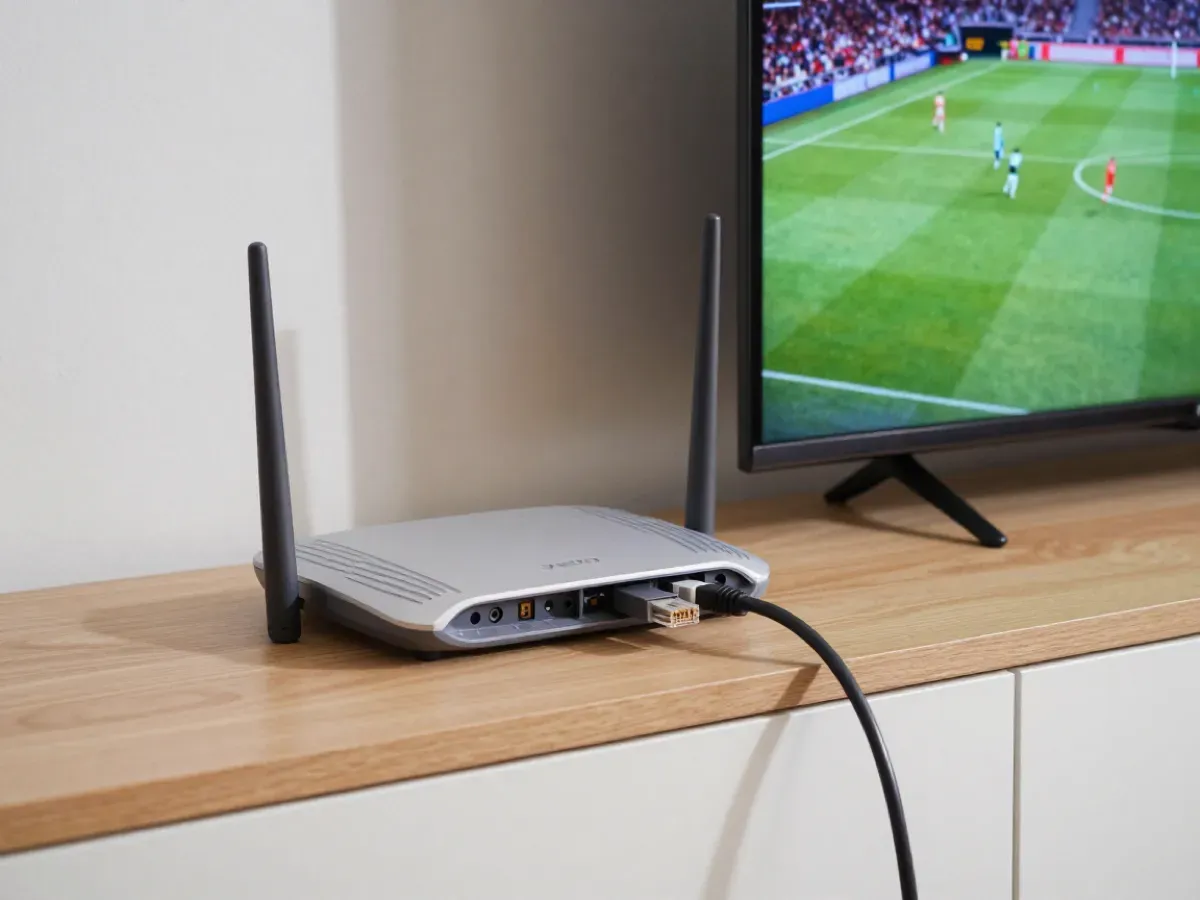
Using a streaming box or stick
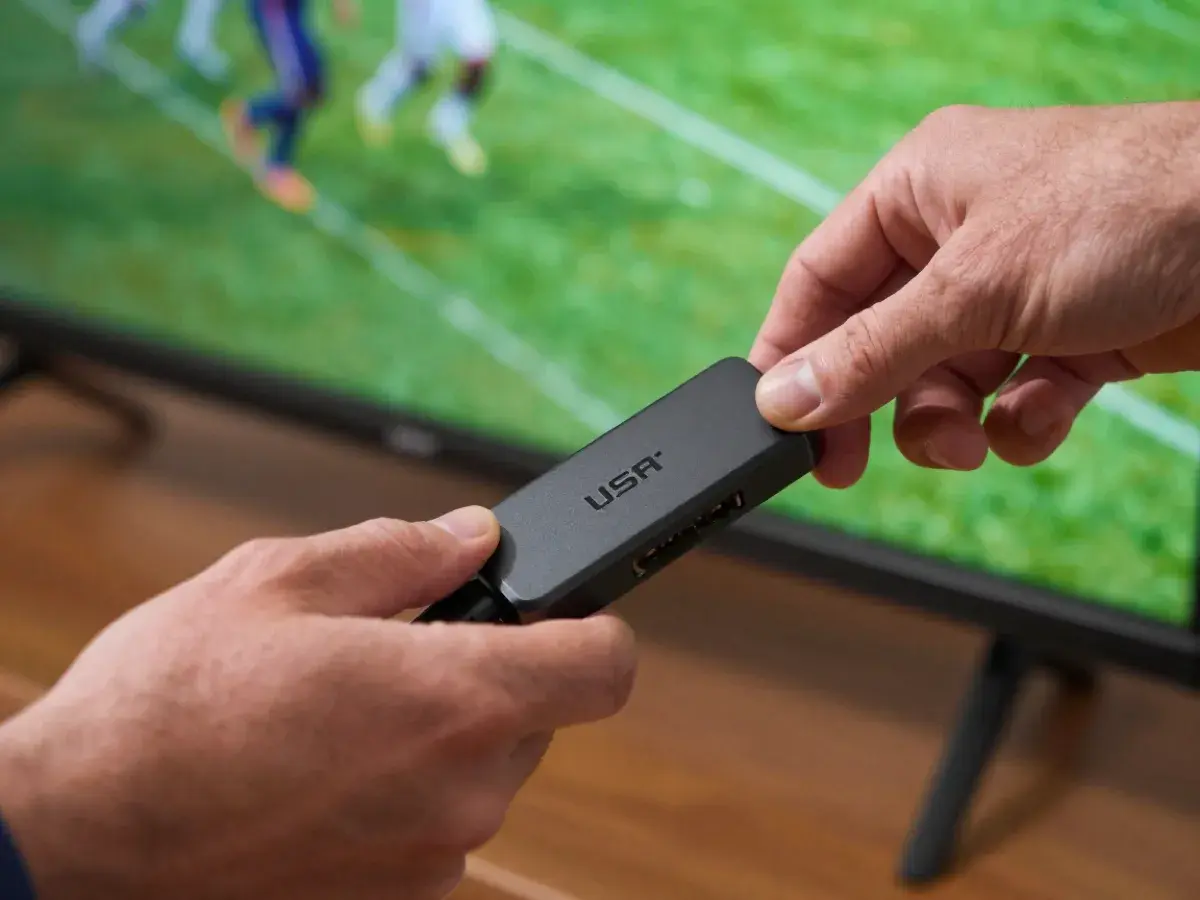
If your TV is older or not smart, a small box or stick turns it into an IPTV screen.
The Amazon Fire TV Stick is the most popular choice in the USA. It works with IBO Player Pro, HotPlayer and other apps through the Downloader app; see our Fire TV guide.
Android TV boxes and the Nvidia Shield run the same apps from the Google Play Store and handle 4K very well. Follow the Android guide.
Roku is common in American homes, but IPTV support on Roku is limited, because most IPTV players are not in the Roku store. If you have a Roku, we usually suggest adding a low-cost Fire TV Stick to the same TV.
Not sure which box to use? Send us your TV model on WhatsApp and we recommend the simplest option.
Common problems and fixes
Why does my IPTV buffer or freeze?
Most buffering comes from Wi-Fi, not the service. Connect the device to the router with a cable or move the router closer, restart the router, and close other heavy downloads. In the app, choose a lower quality version of the channel if your internet is slow tonight.
Why does my app say login error?
Check the username, password and server URL letter by letter: one wrong character blocks the login. Make sure your plan or test is still active. If it still fails, send us a photo of the error on WhatsApp and we fix it with you.
Why is the TV guide (EPG) empty?
The guide needs a moment to load the first time. In the app settings, update or reload the EPG, then wait a minute. Check that the time zone on your device is correct, Eastern or Pacific for example. If it still stays empty, tell us your app and we check it with you.
Why do I have picture but no sound?
Open the audio settings in the player and switch the audio track or decoder, for example from hardware to software. Also check the TV's sound output if you use a soundbar or receiver. If the sound is missing on one channel only, try its other quality version or tell us the channel name.
Questions about IPTV apps and setup
01What is the best iptv app for Smart TV?
On Samsung, LG and Android TV we recommend IBO Player Pro, with HotPlayer as the second choice. Both give a clear TV guide, fast channel change and stable playback with our service. Install one of them from your TV's app store and add the login we send you on WhatsApp.
02Are IPTV apps free to install?
Most iptv apps are free to download. Some, including IBO Player Pro, ask for a one-time app activation from the app maker after their own trial period. Your channels come from your plan with us, not from the app. On computers, VLC is free and plays your M3U link without any app fee.
03How long does IPTV setup take?
Usually 5 to 10 minutes: install the app, add the login we send and wait for the channels and TV guide to load. If a step looks different on your screen, we help on WhatsApp. Install the app before your plan or free test starts, so you only need to add the login.
04Can I use the same login on several devices?
Yes, you can install the app on several devices. The number of devices playing at the same time depends on your plan: 1, 2 or 3 screens, or a custom number. A family can install the app on every TV and phone in the house and use the screens they need at the same time.
05Do I need a VPN for the app?
No VPN is needed to use our service. If you already use one, the service is VPN-compatible, but a VPN can slow your connection, so try without it first. VPN-compatible means your login keeps working if you connect through one, for example while traveling.
06Do you help me install the app?
Yes. Our team helps 24/7 on WhatsApp, Telegram and email, and can assist remotely if needed. Tell us your device and app, and we guide you step by step. Send a photo of your screen if a step looks different, and we tell you exactly what to press.
Set up with a free test login
We offer a free 2-hour test before you order. Ask for a test login, or ask us to help you set up your device.
- Free test: 2 hours
- Card
- PayPal