What Is IPTV? Your Questions Answered
Clear answers about how IPTV works, plans, the free test, setup, channels and payment. Search below or ask us on WhatsApp.
What is IPTV and how does it work
01What is IPTV?
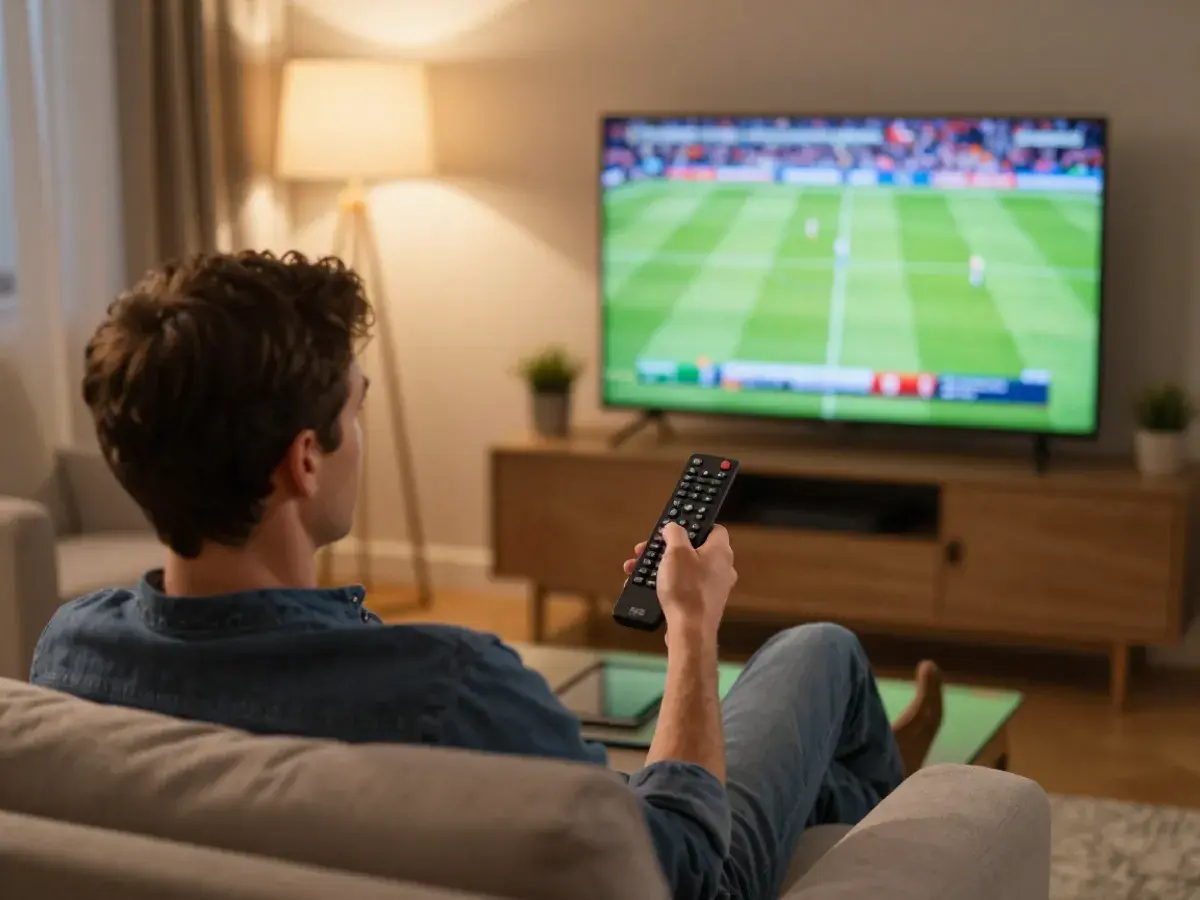
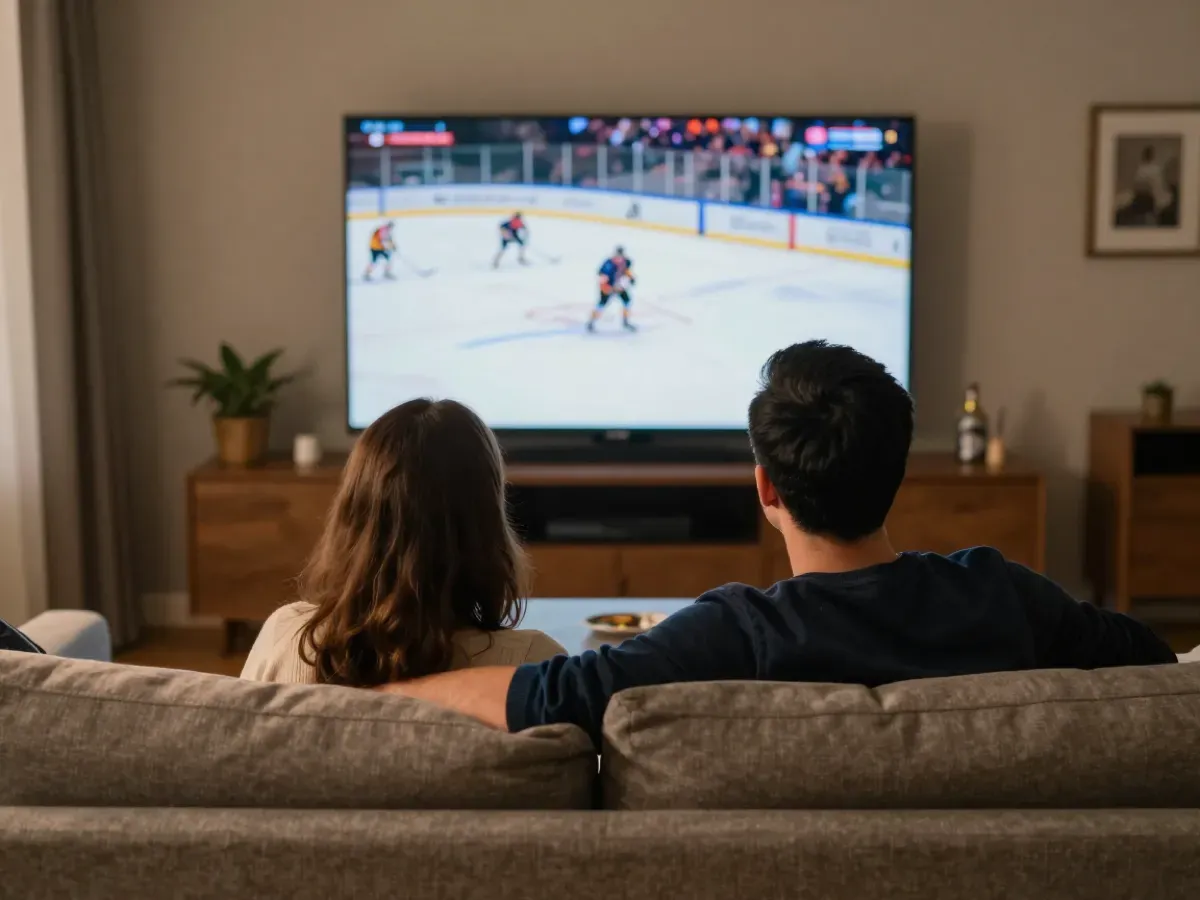
Many people search 'iptv what is it'. In short, IPTV means Internet Protocol Television: live TV channels, films and series sent over your internet connection instead of a cable or satellite line. You watch them in an app on your Smart TV, Fire TV Stick, phone or computer, with a TV guide like cable.
02How does IPTV work?
The channels stream from our servers to an app on your device over the internet. You add the login we send you to the app, and it loads the channel list, the TV guide and the film library. Change channels with your remote, like on cable.
03IPTV: what do I need to watch it?
A Smart TV, Fire TV Stick, Android box, phone or computer, internet of about 10 Mbps for HD per screen, an app like IBO Player Pro or HotPlayer, and a plan or free test login from us. Setup takes about 5 to 10 minutes, and our device guides show every step.
04Is IPTV different from cable TV?
Yes. Cable needs a cable line, a box rental and often a contract. IPTV only needs your internet and an app on a device you already own, with prepaid plans and no contract. You also keep the same channels, sport and films, often for much less per month than cable.
05Can I watch IPTV outside my home?
Yes. Your login works anywhere with internet: in another state, in an RV, at a vacation home or abroad. There is no IP lock. Many Americans abroad use it to keep their local news and NFL Sundays, and RV travelers take it on the road. You only need a stable connection of about 10 Mbps for HD.
Prices and screens
01How much does your IPTV cost?
Plans exist for 1, 2 or 3 screens and 1, 3, 6 or 12 months. The yearly 1-screen plan works out to $7.42 per month ($89 per year). See all prices on our prices page. Every plan includes the same channels, films, quality and 24/7 support.
02What is a screen in your plans?
A screen is one device playing at the same time. With 2 screens, two TVs or phones can watch different channels at once. Installing the app on more devices is fine. For example, a family with three TVs that watch at the same time picks the 3-screen plan, even if the app is on five devices.
03Can I get more than 3 screens?
Yes. Ask us on WhatsApp for a custom plan with the number of screens and months you need, for a big house or a second home. Tell us how many screens and how many months you need, and we send you a plan and a price before you pay anything.
04How does renewal work?
Plans are prepaid and never renew on their own. We remind you before the end date, you choose your next plan and pay, and your login stays the same. You can also change the length or the number of screens when you renew, for example from 1 month to 12 months, which lowers the price per month.
05Can I upgrade my plan in the middle?
Yes. Add screens or move to a longer plan at any time. We only charge for the time left on your plan. For example, add a second screen for a new TV in the bedroom. Message us with what you need on WhatsApp and we upgrade your account the same day.
Free test
01Do you offer a free test before I buy?
Yes. We offer a free 2-hour test with the full channel list and the same quality as a paid plan. Request it on WhatsApp or Telegram with your device name. It includes the same channels, films and 4K quality as a paid plan, so you test the real service, not a demo.
02Do I need a card for the free test?
No. The test needs no card and no payment details, and it never turns into a paid plan by itself. You only send us your device name on WhatsApp or Telegram, and we send your test login and the setup guide link for your device. No subscription starts afterward unless you choose a plan.
03When should I start my test?
Start in the evening, when you can watch a live game and the servers carry the most viewers. That is the best moment to judge stability. Put on a live NFL, NBA or NHL game, check a 4K channel and open the TV guide to see the full service.
04Can I test on two devices?
The test runs on one screen. Tell us if you want to check 2 or 3 screens, and we explain how the paid plans work. Install the app on the device you watch most, so the test shows the experience you will have every day.
05What happens after the test?
The test login stops and nothing is charged. If you liked the service, choose a plan; your login arrives right after payment. If you need help choosing the number of screens or months, ask us on WhatsApp and we recommend the plan that fits your home.
Setup and devices
01Which devices work with your IPTV?
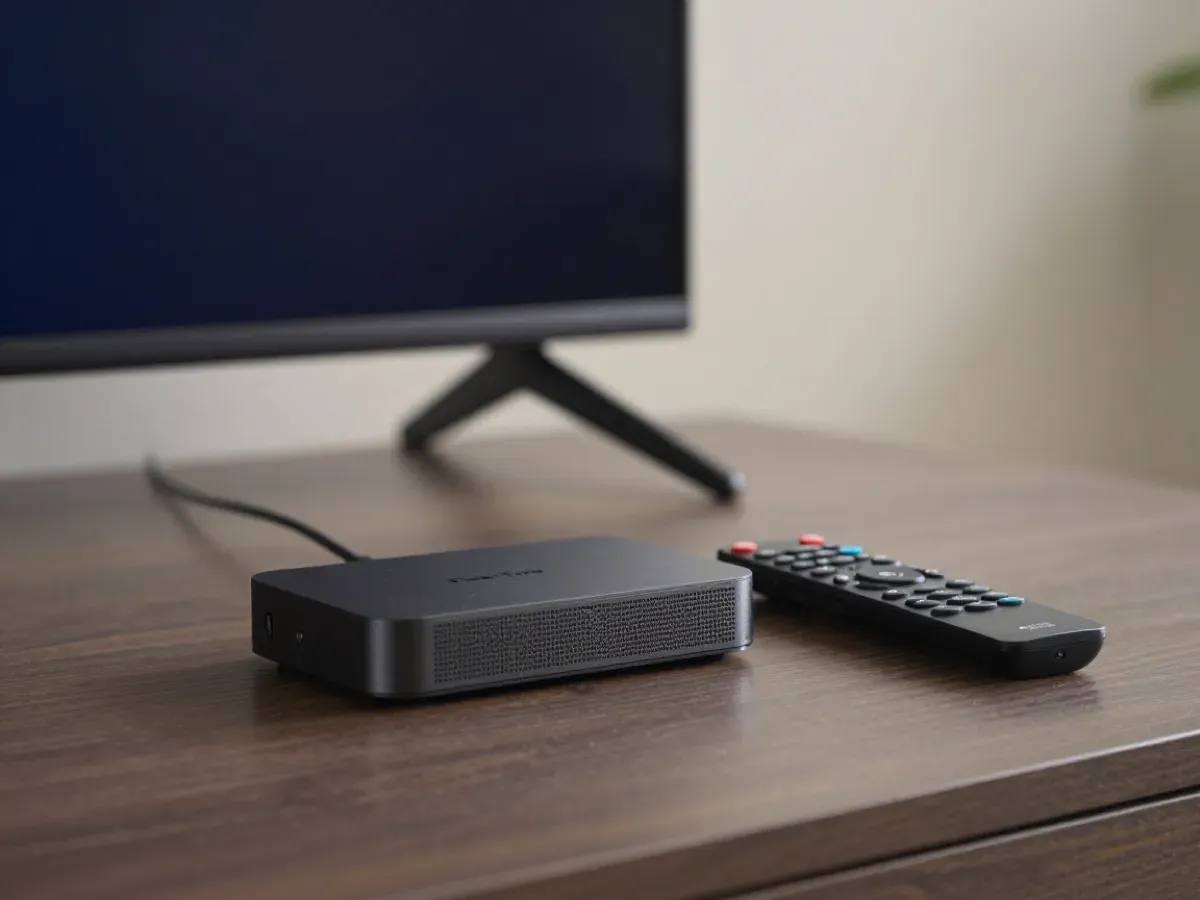
Samsung and LG Smart TVs, Android TV, Fire TV Stick, Android boxes, iPhone, iPad, PC and Mac. Each device has its own guide on our setup page. Older TVs that are not smart can use a Fire TV Stick or an Android box connected by HDMI.
02Which app should I use?
On Smart TV, Android TV and Fire TV we recommend IBO Player Pro, with HotPlayer as the second choice. On iPhone and computer, see the device guides for the best options. All of them work with the login we send you, and our team helps you choose if you are not sure.
03How do I install IPTV on a Fire TV Stick?
Enable developer options, allow the Downloader app, install IBO Player Pro or HotPlayer and add your login. Our Fire TV guide shows every step. It takes about 10 minutes, and if a screen looks different, send us a photo on WhatsApp and we guide you.
04How do I install IPTV on a Samsung or LG TV?
Install IBO Player Pro or HotPlayer from the TV store, send us the MAC and device key it shows, and restart the app. The Smart TV guide has the details. Most Samsung and LG TVs from 2016 or newer need no extra box, and setup takes about 10 minutes.
05Do you help with setup?
Yes. Our team helps 24/7 on WhatsApp, Telegram and email, and can assist remotely when a step does not match your screen. Send us your device and the step where you are stuck, and a real person guides you until the channels play.
Channels and sport
01Which channels are included?
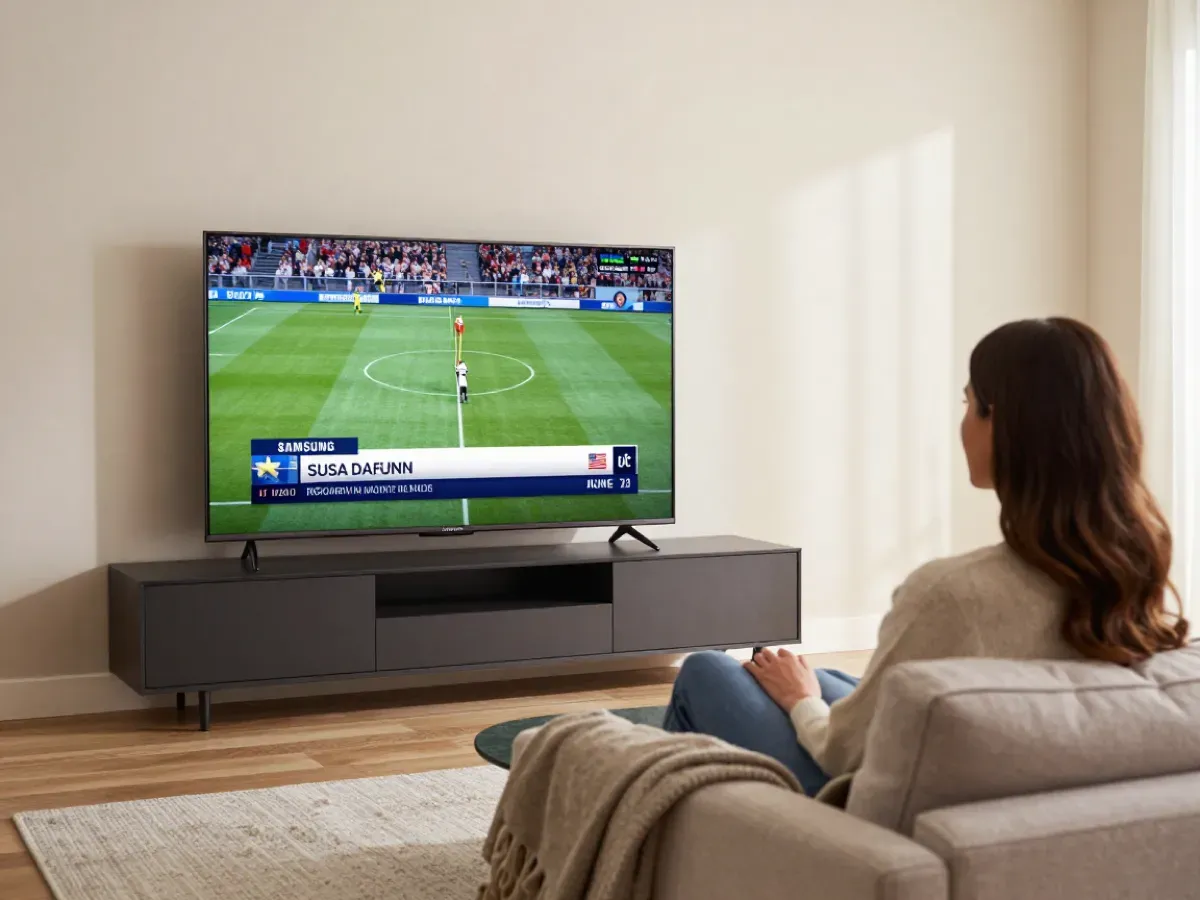
35,000+ live channels: US local ABC, CBS, NBC and FOX stations, news, sports networks, Latino and international channels, plus 110,000+ films and series. See our channels page. The full list changes often, so ask us on WhatsApp for the current one.
02Can I watch the NFL and NBA?
Yes. Plans include the networks that carry NFL, NBA, MLB, NHL and college football, plus UFC and boxing events, with no extra sports package. Watch at home, in another state or abroad, and use the TV guide to find each game in seconds.
03Do you have my local channels?
We carry local stations from many US markets. Ask us for your city on WhatsApp, or check them during the free 2-hour test. Many customers also keep the stations of their hometown, which is easy to do with IPTV wherever you live now.
04Are films and series included?
Yes. Every plan includes 110,000+ films and series, with new releases added shortly after they come out and series sorted by season. Kids have their own section with cartoons and family films, and you can request a title that is missing.
05Can I get the full channel list?
Yes. Channels are added often, so we send the current full list on WhatsApp on request. Tell us which channels matter most to you, like your local news or your team's network, and we confirm them before you pay. You can also check them yourself during the free 2-hour test.
Technical questions
01What internet speed do I need?
About 10 Mbps per screen for HD and about 25 Mbps for 4K. For several screens, add the speed of each one. For example, two screens in HD and one in 4K need about 45 Mbps. Most cable and fiber plans in the USA are fast enough, and a wired connection gives the most stable picture.
02Why does my stream buffer?
Usually Wi-Fi: connect the device with a cable or move the router closer, restart the router and set stream quality to Auto. Our setup page lists more fixes. If only one channel buffers, try its other quality version or tell us the channel name on WhatsApp.
03What is the EPG?
The electronic program guide shows what is on now and next on each channel. If it is empty, reload it in the app settings and check your time zone. IBO Player Pro and HotPlayer show the guide best, with catch-up on the channels that offer it.
04Does IPTV work in 4K?
Yes, when the channel broadcasts in 4K, on a 4K device, with about 25 Mbps of internet. Many channels also offer Full HD and HD versions, so you can choose a lower quality when your internet is slower. Sports channels often run at 60 frames per second for smooth fast motion.
05Do I need a VPN?
No. A VPN is not needed. The service is VPN-compatible, but a VPN can slow your connection. If you already use a VPN, for example while traveling, your login keeps working, but check that your speed stays above 10 Mbps for HD. Try without the VPN first for the best picture.
Payment and support
01Which payment methods do you accept?
We accept card and PayPal. Both are secure and give you buyer protection. Your payment is encrypted, and we never ask for gift cards or transfers you cannot cancel. After payment, your login is sent right away on WhatsApp or Telegram, so you can start watching the same evening.
02When is your support available?
Our support team is available 24/7 on WhatsApp, Telegram and email at [email protected], Eastern and Pacific Time included. Send your device, your app and the issue, and a real person answers and guides you step by step, including remote help when needed.
03How fast is activation?
Activation is instant: your login is sent automatically on WhatsApp or Telegram right after payment. It arrives together with the setup guide for your device. Install your app before you order, and you can be watching within minutes of paying.
04What is your refund rule?
Every order has a 7-day money-back guarantee. Contact us within 7 days of your order and we refund you. Details are on our refund policy page. Our team first tries to fix the issue with you, since most problems are solved in minutes, and the refund goes back to your card or PayPal.
05Is my personal data safe?
We only ask for the contact details needed to send your login and support you. Payments are encrypted and handled by the card network or PayPal. We never sell your data and never ask for documents you do not need to watch.
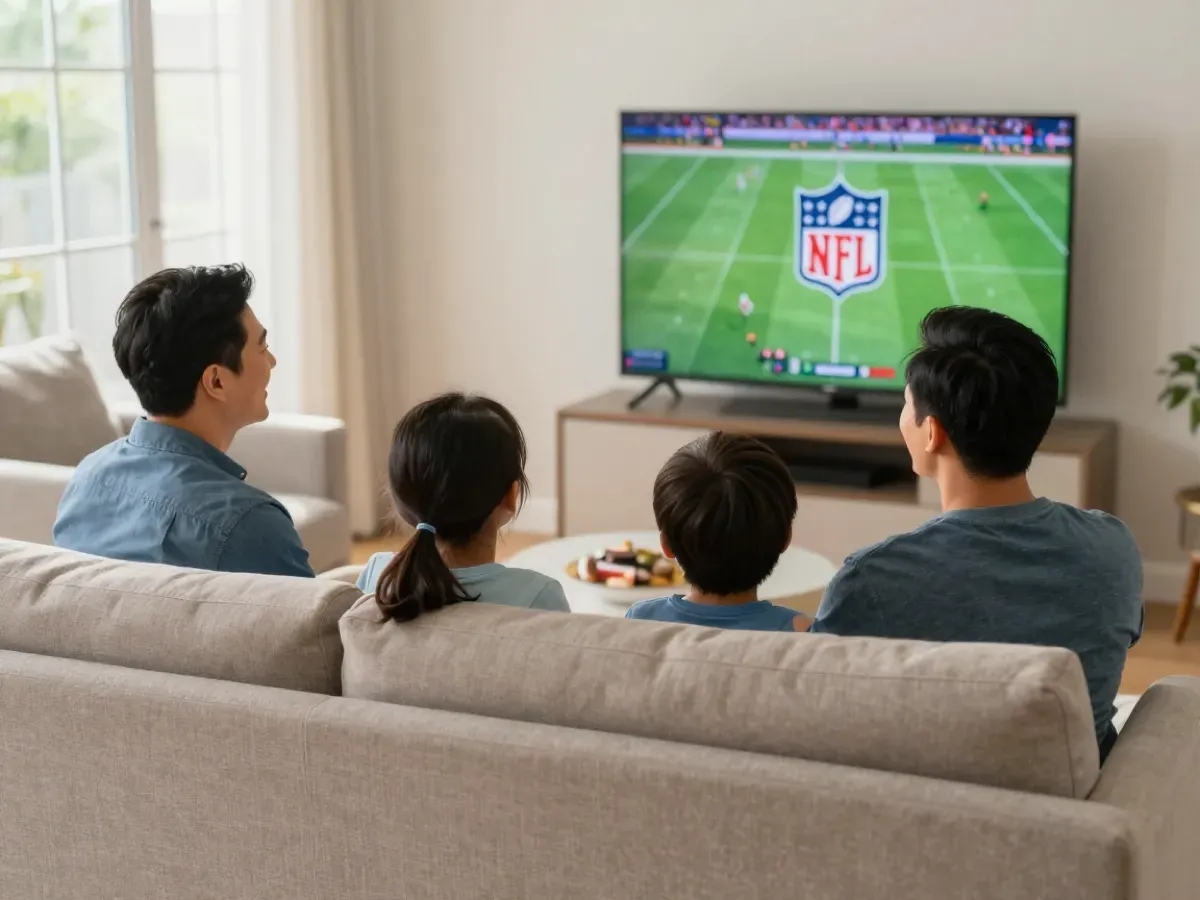
Still have a question? Ask us
Our team answers on WhatsApp, Telegram and email 24/7. Or check everything yourself with the free 2-hour test.
- Free test: 2 hours
- Card
- PayPal