IPTV Reseller: How It Works and What to Check First
A plain-English guide to selling IPTV lines: credits, panels, pricing and support. Test the service yourself for 2 hours before you decide.
By ProvidersBestIPTV6 min read

Contents
What is an IPTV reseller?
An IPTV reseller is a person or small business that buys access from an IPTV provider and sells subscriptions to their own customers at their own prices. Instead of running servers, the reseller uses a panel from the provider to create, renew and manage customer lines.
Most resellers work with credits. You buy a pack of credits in advance, and one credit usually equals one month of service for one line. When a customer orders 3 months, you spend 3 credits and send them their login. You set your own price, so the difference between your price and the credit cost is your margin.
The job sounds simple, but your customers judge you by the provider behind you. If the stream freezes during a big game, they message you, not the provider. That is why a stable source matters more than the cheapest credit price.
This guide explains how reselling works, what to check in a provider before you start, how to price your plans and how to handle support. Before anything else, test the service yourself with a free 2-hour test, on the devices your customers use. If the picture, the sport and the TV guide convince you, you can sell the same service with confidence, knowing exactly what each customer will get.
How to start as an IPTV reseller and what to check
Start by testing. Ask the provider for a test line and watch it at the busiest time, on a Sunday afternoon or during a weeknight NBA game, on a Fire TV Stick and a Smart TV. Check that the US local channels, the sports networks and the TV guide work.
Next, check the panel. A good reseller panel lets you create a test or a paid line in seconds, renew it, change the number of screens and see when each line expires. Ask which apps the lines work with: Xtream logins and M3U links cover IBO Player Pro, HotPlayer, VLC and most players.
Then look at support. Your customers will ask about setup, apps and payments. You need a provider that answers you fast, day and night, so you can answer them.
After that, set your prices. Look at what retail plans cost in your market: our own plans start at $15 for 1 month on 1 screen and $89 for 12 months. Price for value, not only for the lowest number.
Finally, plan your own support: a WhatsApp or Telegram number, a short setup guide per device and a clear refund rule. Customers stay longer with a reseller who answers fast and explains things simply, so treat support as part of the product you sell.
What your customers will want to watch
Most US customers buy for sport. Before you sell a single line, make sure the source carries these leagues in stable HD and 4K, with a working TV guide.
 NFLSunday afternoon games, Thursday and Monday night football and the playoffs bring the most orders and the most pressure on servers. Test a live game at kickoff, when everyone tunes in at once.
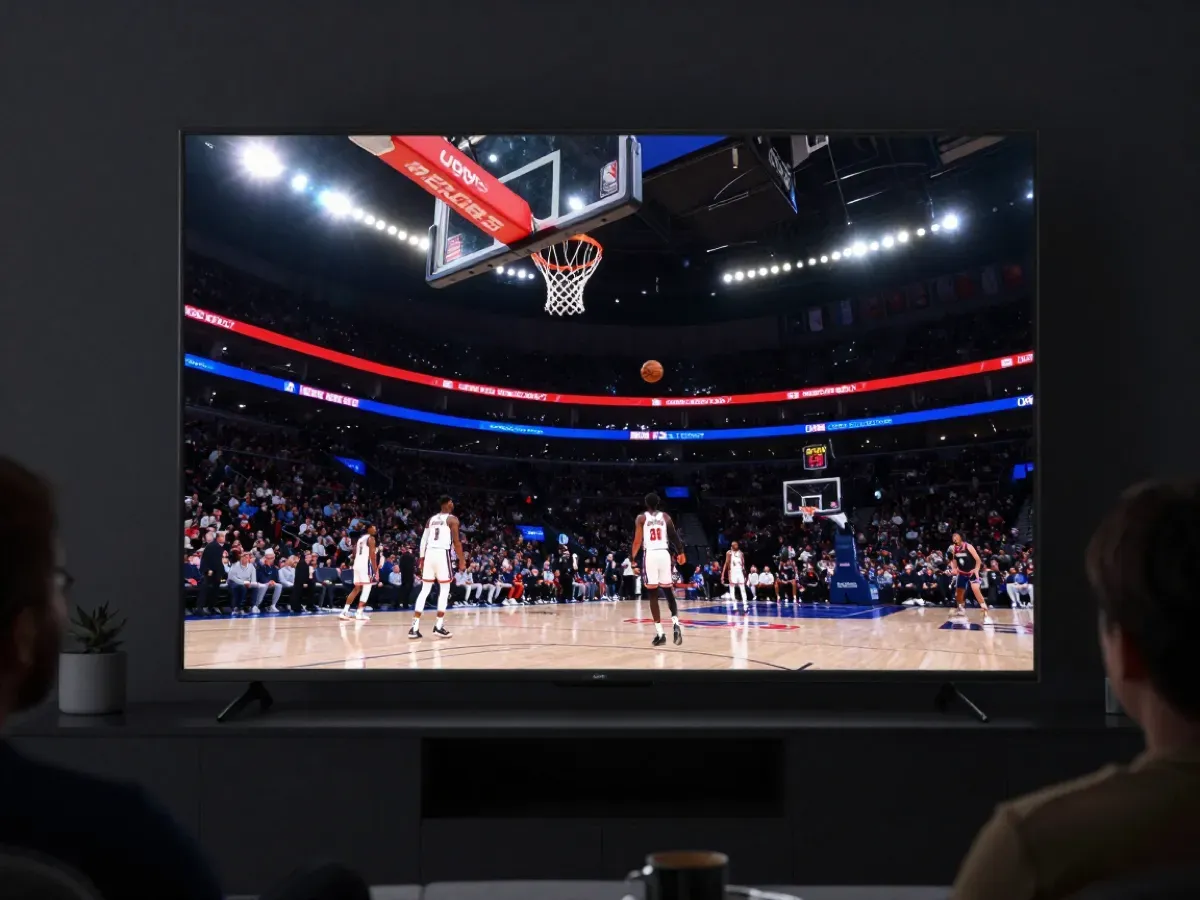 NBABasketball fans watch several games a week, from the regular season to the Finals. Check that national games and regional sports channels load fast and that switching between games takes only seconds.
 MLBA baseball season is long, with games almost every day from spring to fall. Customers want their team's regional channel, so check that local sports networks are in the list and in the guide.
 NHLHockey moves fast, so a weak stream shows quickly. Test a game in FHD or 4K and look for smooth motion around the puck. US and Canadian hockey channels both matter to fans.
 College footballFall Saturdays are huge in many states. Customers ask for conference games on ESPN, FOX and the big networks, so check those channels on a busy Saturday before you start selling lines.
 UFCFight nights bring a sudden peak of viewers in the evening. Test the main sports channels at that time to see whether the service stays stable when demand jumps for a few hours.
IPTV reseller questions
How much does it cost to become an IPTV reseller?
It depends on the provider. Most sell credit packs that you pay in advance, and larger packs usually cost less per credit. Your real cost is the credit price plus your time for support. Before you buy any pack, test the service and ask exactly how many credits a 1-month, 3-month or 12-month line uses. Ask for the price list in writing before you commit.
Can I set my own prices as an IPTV reseller?
Yes. As a reseller you choose your own prices and plans. Many resellers offer 1, 3, 6 and 12 months, and 1 to 3 screens. Compare with retail prices in your market so your customers see fair value. Our own retail plans, for example, start at $15 for one month on one screen.
Do I need my own servers to resell IPTV?
No. The provider runs the servers, the channels and the streaming. You use a reseller panel to create and renew customer lines, then send each login on WhatsApp or Telegram. Your work is sales and customer support, so choose a provider with stable servers and fast help when your customers need it. That is where most resellers win or lose their customers.
How do I test a provider before I resell it?
Ask for a test line and use it at peak time, on the devices your customers use most. Watch a live game, open the TV guide, try films and series, and change channels quickly. Our free 2-hour test gives you the full channel list, so you judge the real service, not a demo. Repeat the test on a second device to be sure.
Which apps do IPTV reseller lines work with?
Lines that come as an Xtream login or an M3U link work with almost every player. On Smart TVs and Android TV, IBO Player Pro and HotPlayer are the easiest for customers. On Fire TV Stick, Android, iPhone and PC, the same login works in IBO Player Pro, Smarters Player Lite or VLC, so one line covers every device your customers own.
How do I support my customers as an IPTV reseller?
Give customers one clear contact, such as a WhatsApp or Telegram number, and answer quickly on game days. Keep a short setup guide for each device, ask for a screenshot when something fails and check the login first. Most problems are typing errors, an old app version or a slow Wi-Fi connection, and all three are easy to fix together.